Initial Verification Checklist
Test auth, AI generation, and media uploads locally before deploying.
Last updated:
Before moving to deployment, test the core flows locally to make sure the application, database, and authentication are all working together as expected. For this project, the two main features to verify are login and AI article generation.
Test authentication
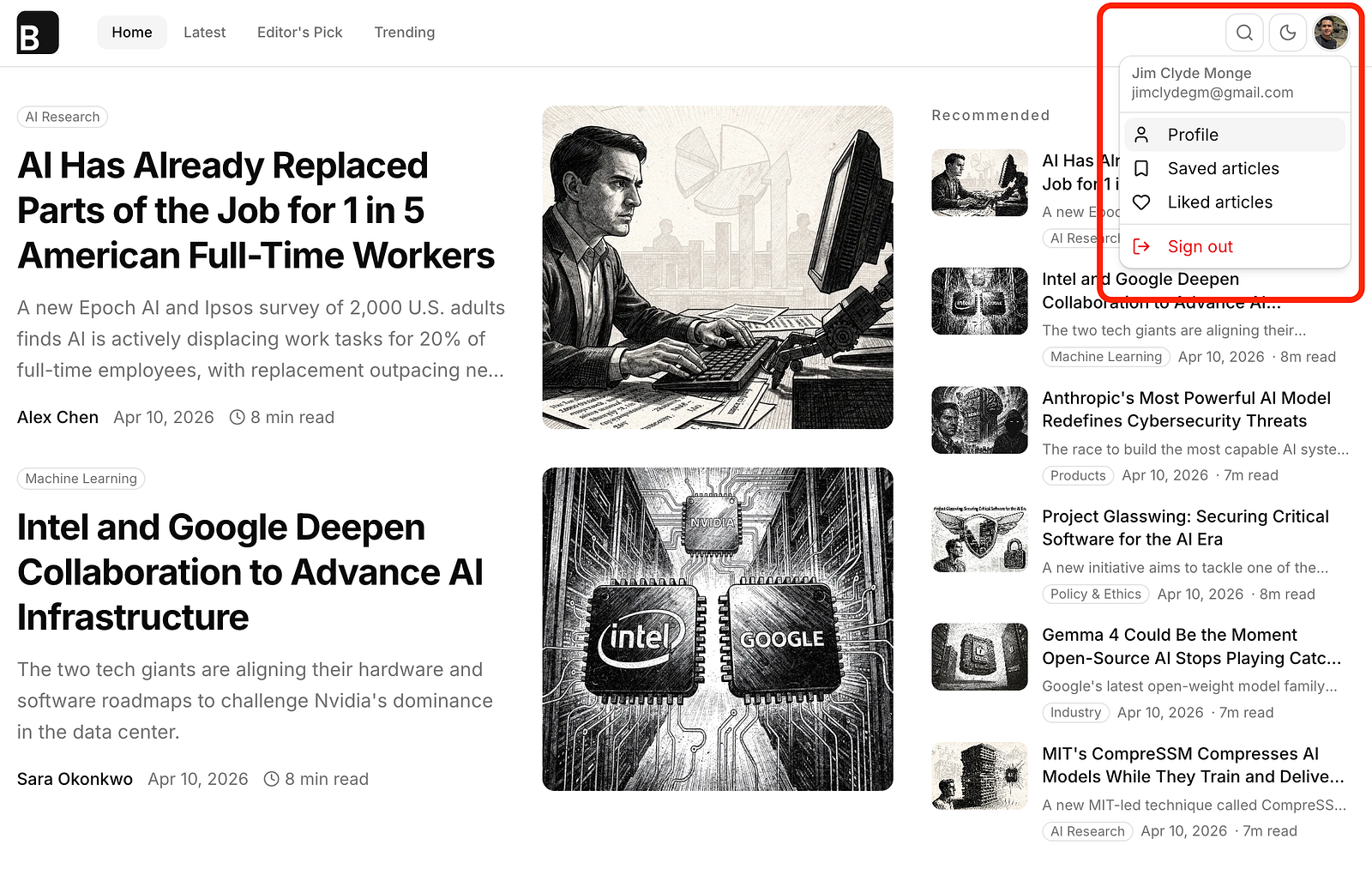
Start by running the app locally and opening it in the browser. From there, go through the login flow using a test account. After signing in, confirm that the authentication process completes successfully in the UI and that the user session is created correctly.
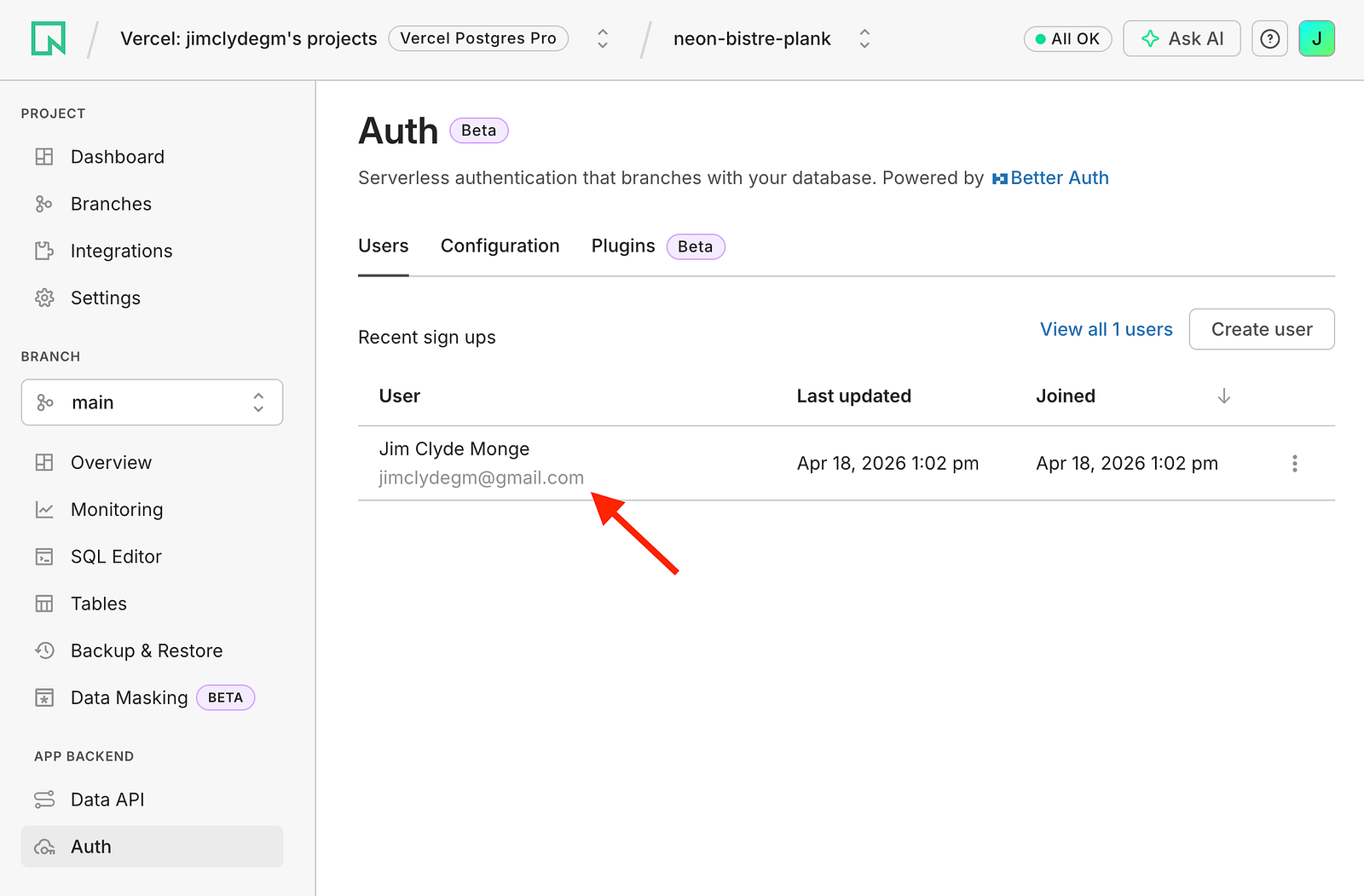
Once login succeeds, check your database and Neon Auth dashboard to verify that the user record and related authentication data have been updated as expected.
Test AI article generation
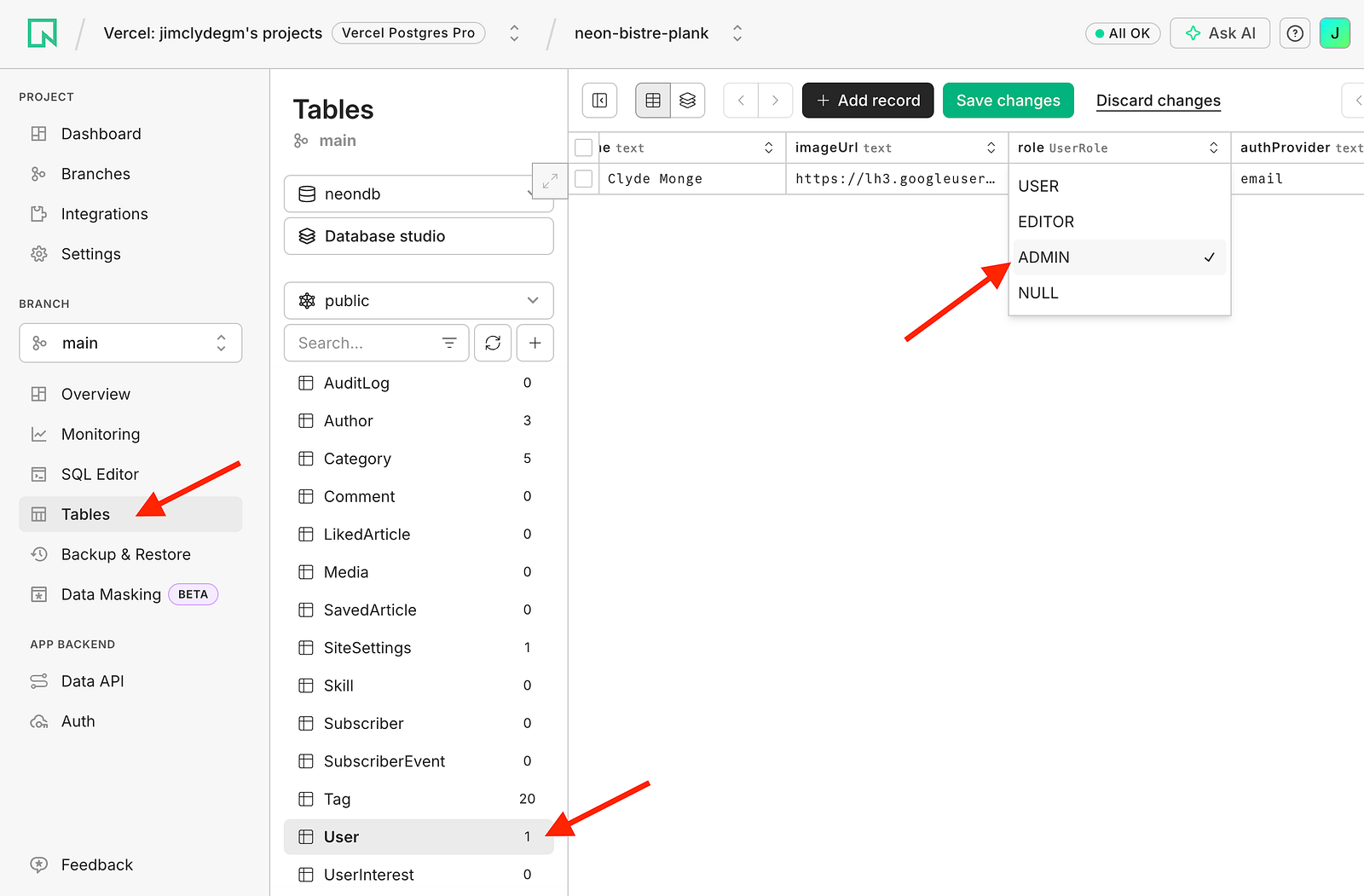
Next, test the AI article generation flow. To do this, we need to see an admin user. In the Neon User table, change the user role to Admin.
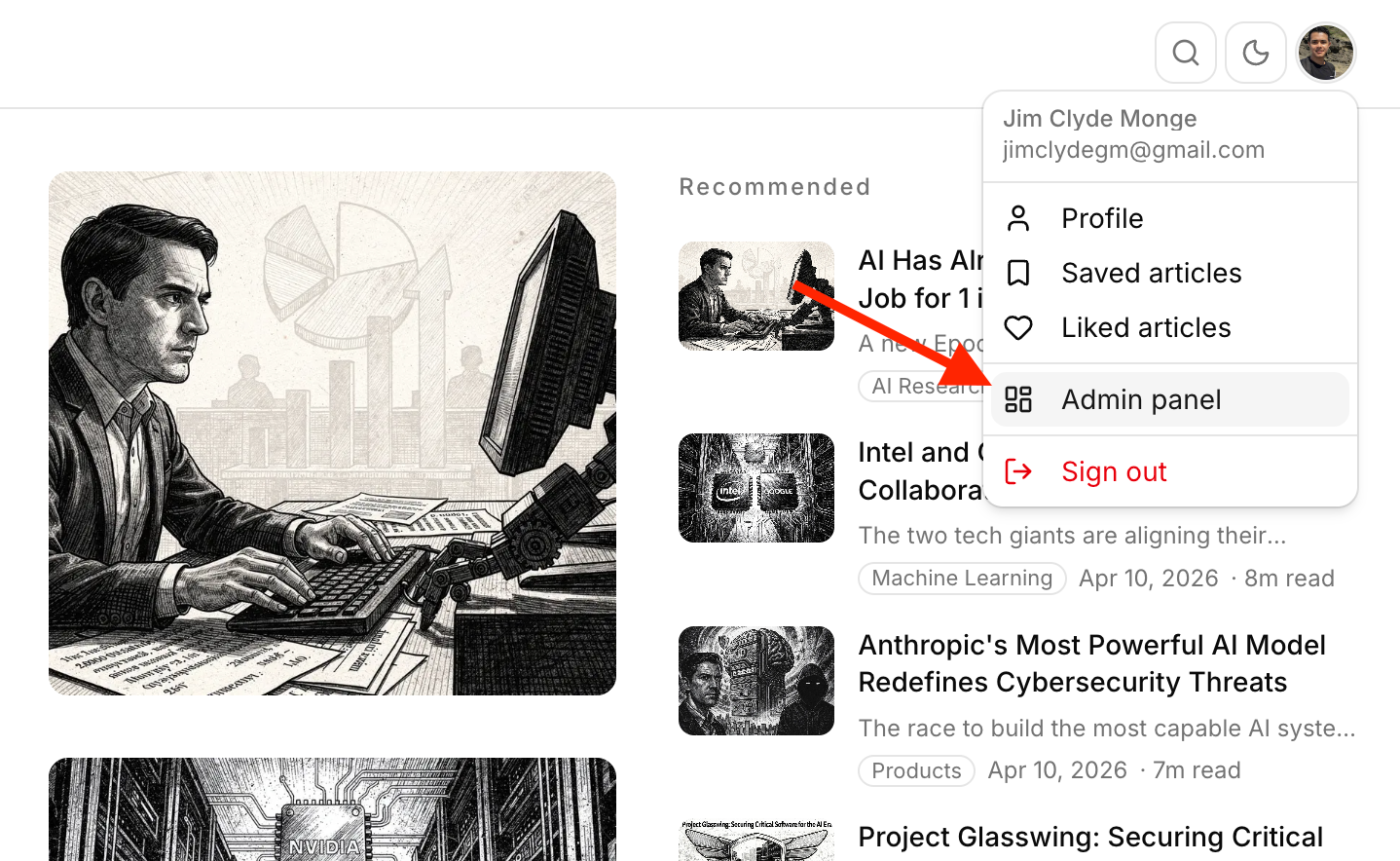
Notice that there is a new "Admin panel" option in the profile menu. This option is only available to administrators.
This will display the admin dashboard. We'll explore the other tabs next time. For now, leave everything at the default and open the AI Generator tab.
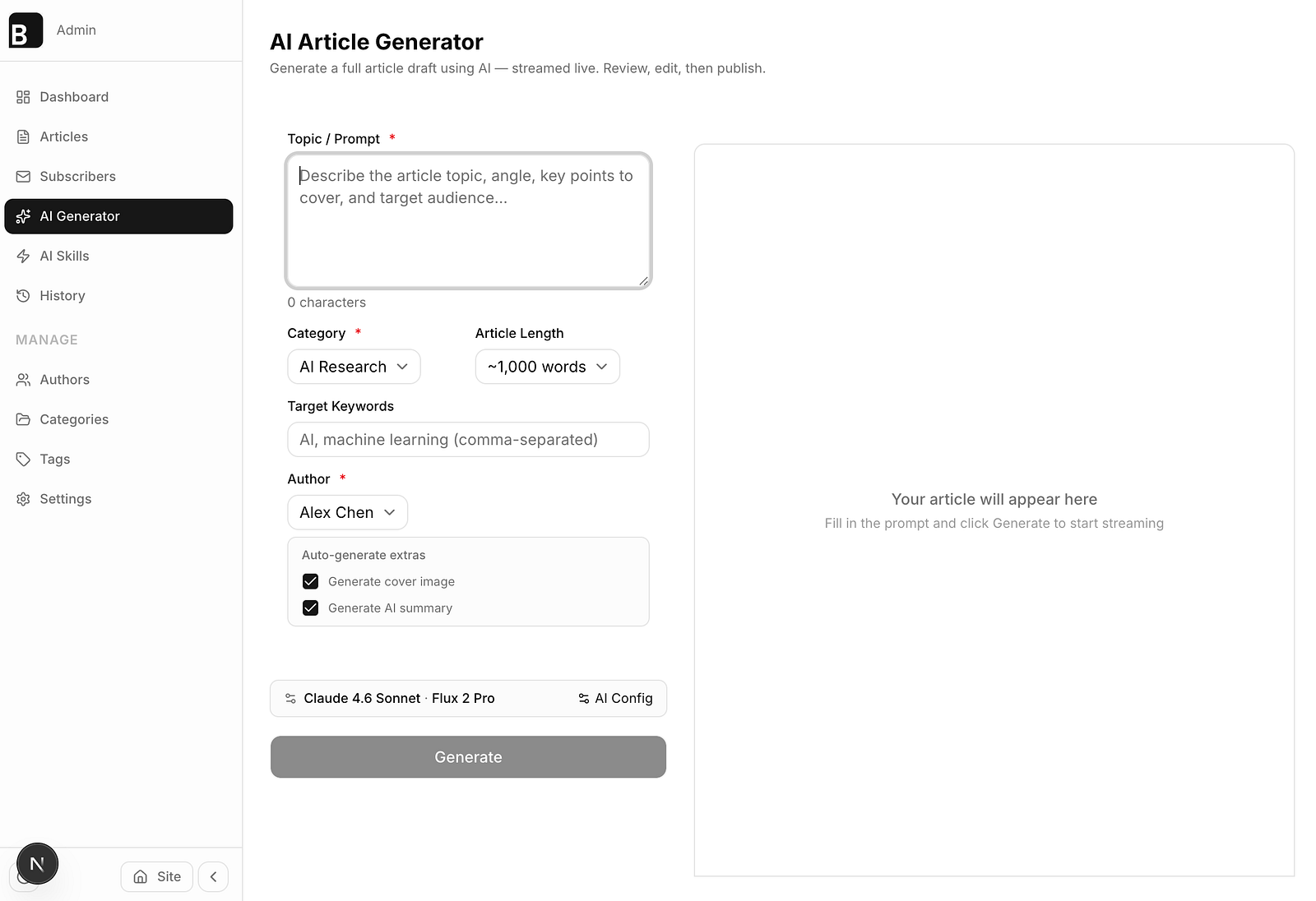
Create a sample article from the app and confirm that the request completes without errors. Here's a sample prompt:
Prompt: Anthropic releases Claude 4.7 Opus
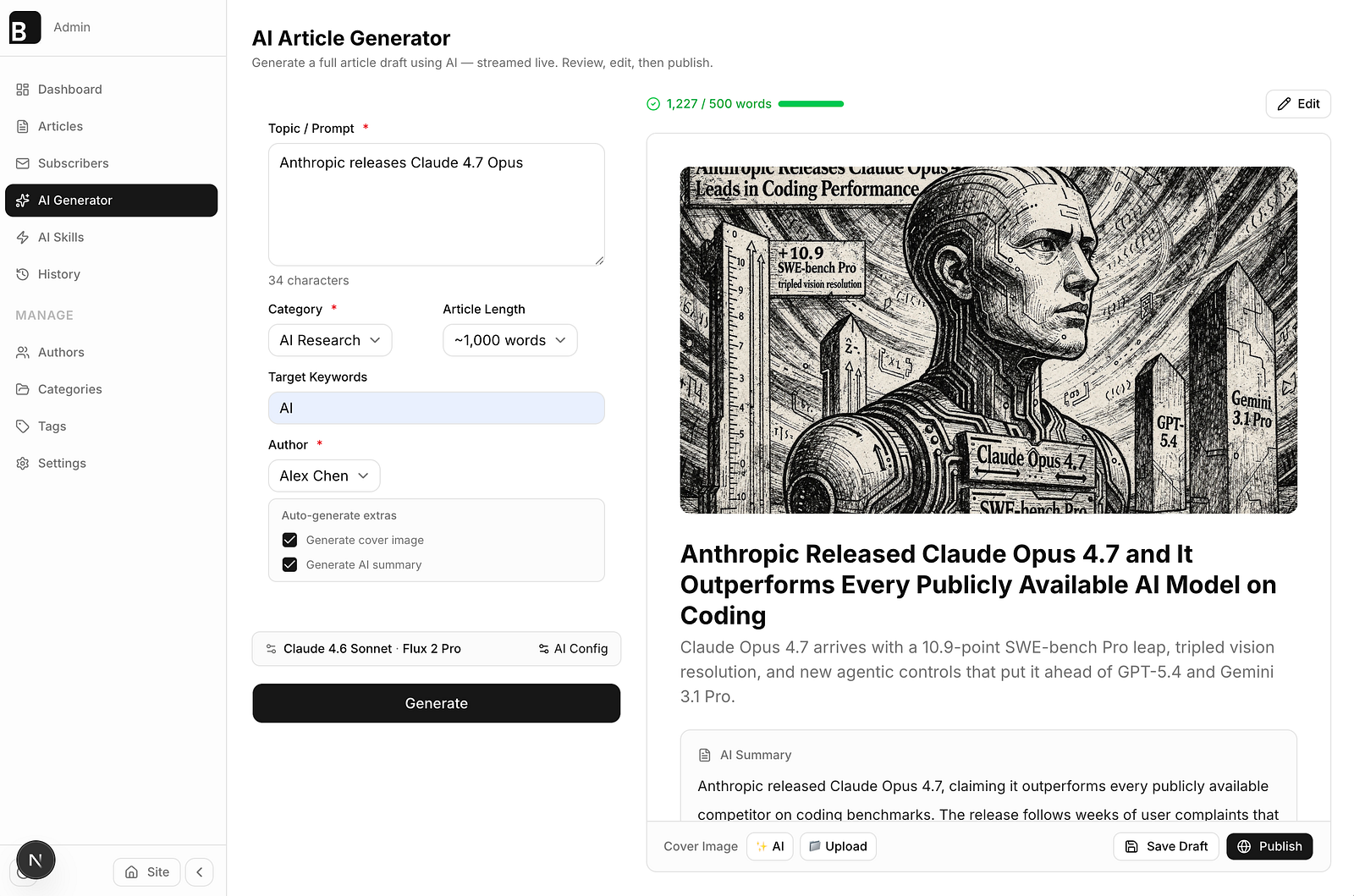
Click on the publish button, and there should be a success toast message. If the article is published successfully, it should be added to the remote database and will be added to the article list. Here's a preview of the published content.
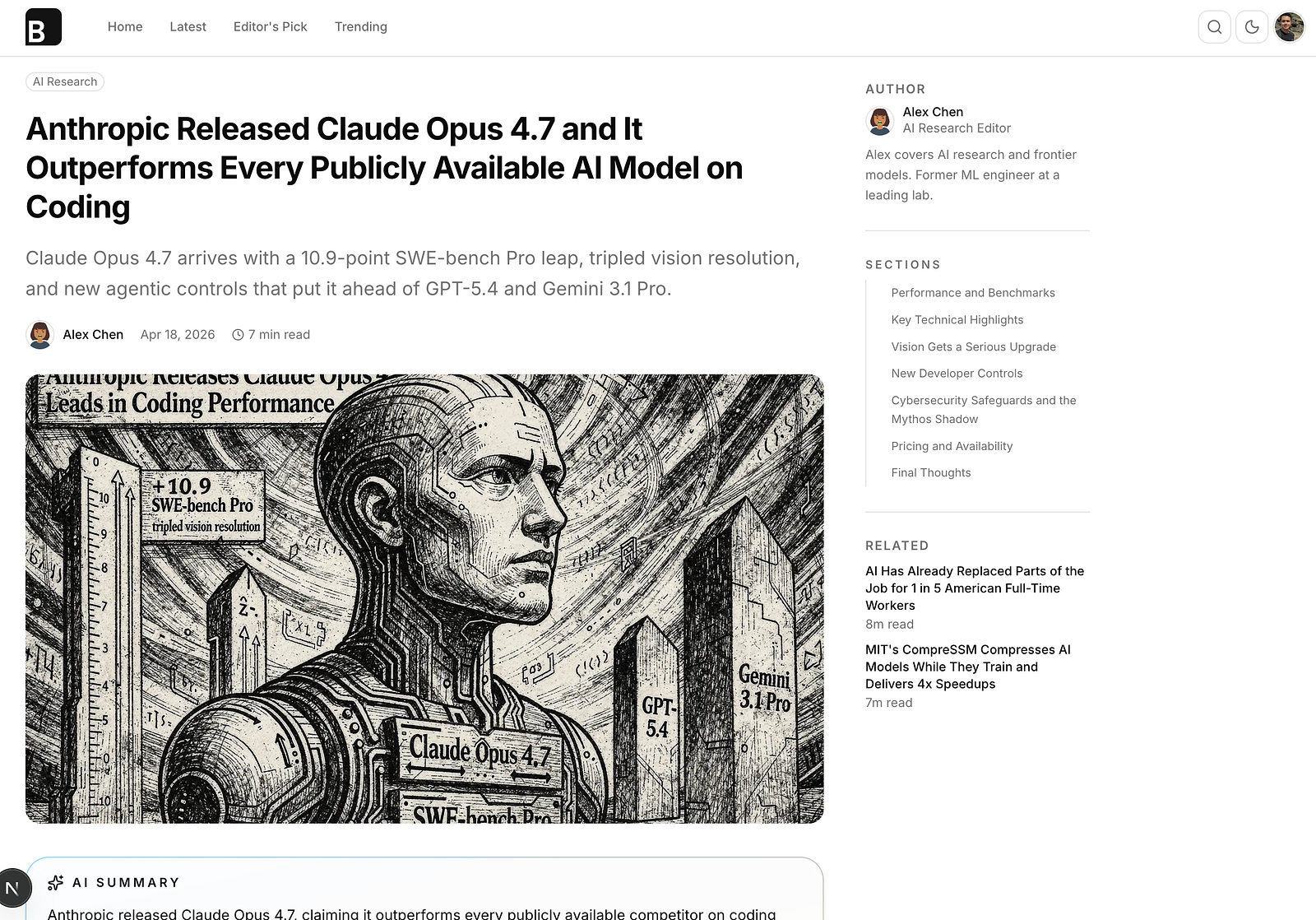
The article content and metadata are all synced with the database. The cover image and any other files attached to the article are all uploaded and organized in the R2 bucket.
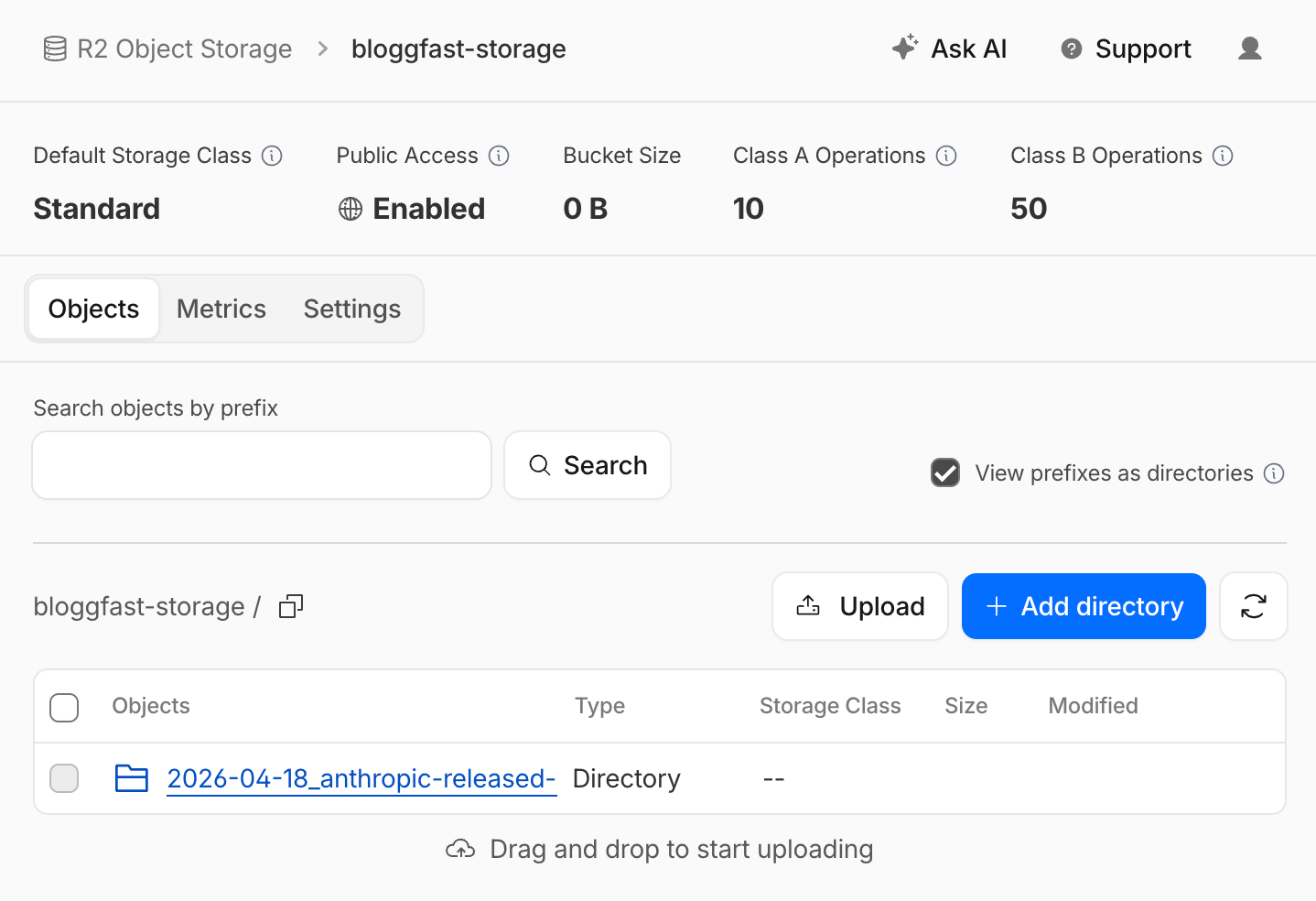
This local testing step helps verify that the full application flow is working end to end: authentication, database writes, and AI-powered content generation. If both features work correctly and the expected records appear in the database and Neon Auth, the project is in a good state to move forward.